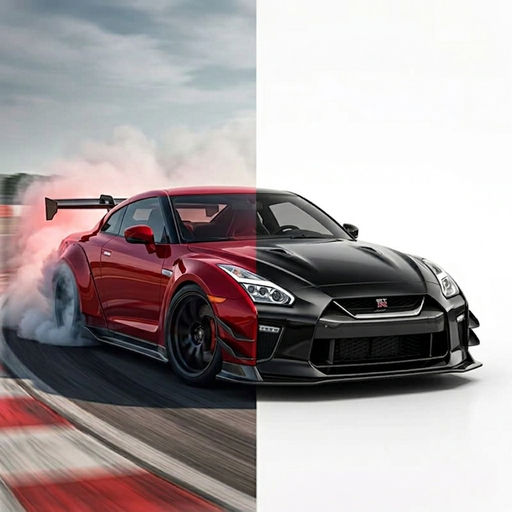
AI CAR DESIGN
AI car customizer for your own vehicle photo.
Start with a vehicle photo and use TuneAI’s Vehicle Design tool to explore a different style, wheels, a body kit, or a complete custom concept.
What is an AI car customizer?
An AI car customizer creates a visual concept from a vehicle photo. TuneAI is an iPhone app with Vehicle Design and Vehicle Paint tools for exploring styles, wraps, colors, wheels, and body details. It does not modify the physical car or confirm part fit.
See the design controls
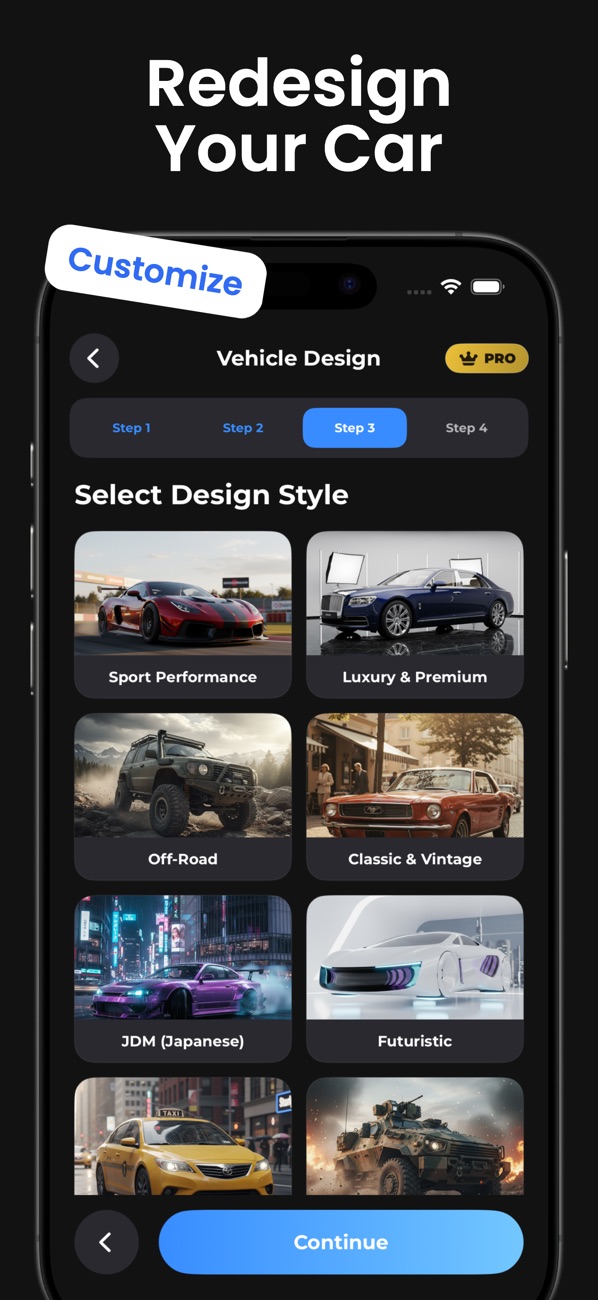
Vehicle Design has four steps: upload a photo, select a car type, choose a style, then select additional details. The official App Store screenshot shows the style selection screen.
The style menu includes Sport Performance, Luxury & Premium, Classic & Vintage, JDM (Japanese), and Futuristic. These give you a starting direction; the additional options let you specify individual changes.
How to preview car modifications in TuneAI
- Open Vehicle Design and add a photo.Use a clear image that shows the body and the parts you want to change.
- Select a car type.Choose the type that corresponds to the vehicle in your photo.
- Select a design style.Start with a direction such as Sport Performance or Minimalist Clean.
- Choose additional details.Options include Body Kit, Spoiler, Chrome Rims, Lowered Suspension, Racing Stripes, Racing Livery, and Blackout Package. The Custom option lets you describe an idea in your own words.
- Generate and compare.Check the result against the source photo. Save a concept you like, or change one selection and try another direction.
A focused custom prompt to try
After choosing your style, try this in the Custom options field:
Keep the same car model and camera angle. Add a subtle front lip and dark wheels. Keep the body color unchanged.
This is a suggested prompt, not the recorded prompt for a pictured result. A request to preserve details guides the AI, but the result can still change parts of the photo.
Check the concept before planning a build
Compare the wheel shape, panel proportions, windows, and surroundings with your source photo. A generated body kit or wheel design may not correspond to a purchasable part. Use the image to discuss a visual direction with a builder, then confirm part compatibility and fit independently.
Choose the right tool for your idea
For a color change without a broader redesign, follow theVehicle Paint walkthrough. For vinyl colors, stripes, or graphics, use thecar wrap concept guide. Before either workflow, use ourvehicle photo checklist.
Explore your own idea in TuneAI.
Free to download on iPhone. Some features require a subscription.
Get TuneAI on the App Store