One color, one finish
Show a satin charcoal vinyl wrap on the car body. Preserve the current wheels, windows, and camera angle.
Use this to compare the overall mood of a muted finish.
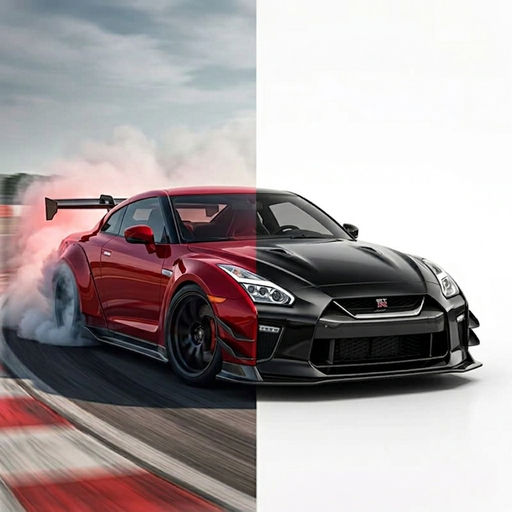 TuneAI
CAR WRAP VISUALIZER
Use a photo of your vehicle to explore a wrap direction. TuneAI’s Vehicle Design tool offers Racing Stripes, Racing Livery, and custom instructions for color and finish ideas.
Yes. In TuneAI on iPhone, open Vehicle Design, add your vehicle photo, choose a car type and style, then try Racing Stripes, Racing Livery, or describe a wrap in Custom. Treat the result as a visual concept and confirm materials and installation with a wrap professional.
Open Vehicle Design from the TuneAI tool menu. After uploading your photo, select a car type and design style. In the additional options step, choose Racing Stripes or Racing Livery, or use Custom to describe a vinyl color and finish.
For a look inspired by another photo, the separate Reference Style tool accepts a target vehicle photo and a reference image. Use a reference you own or have permission to use.
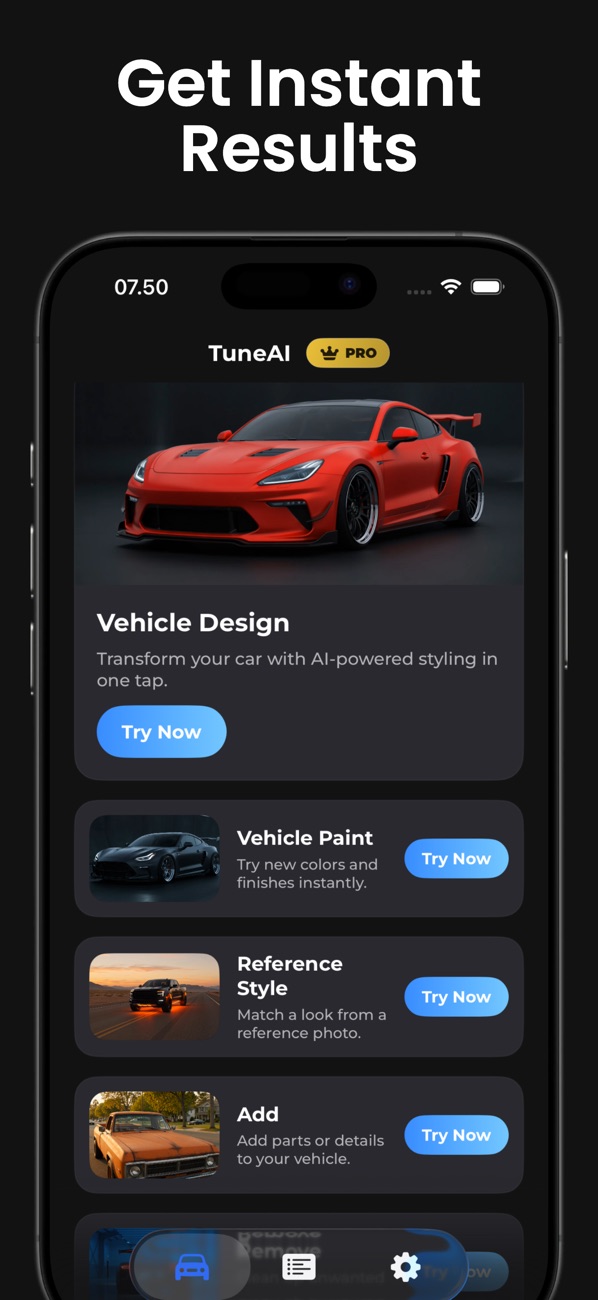
Use one idea at a time in Vehicle Design’s Custom field. These are suggested instructions for your own photo.
Show a satin charcoal vinyl wrap on the car body. Preserve the current wheels, windows, and camera angle.
Use this to compare the overall mood of a muted finish.
Keep the white body color and add a narrow dark blue stripe along the lower doors. Leave the roof and wheels unchanged.
Describe the stripe location so the idea is easier to evaluate.
Create a two-tone black and silver motorsport-inspired livery. Use large clean shapes and avoid logos or lettering.
Start with the pattern before adding small details.
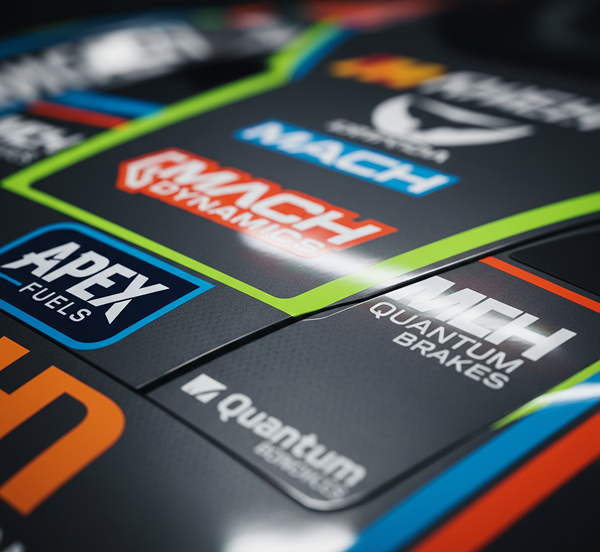
An AI preview helps you explore a broad visual direction. It cannot select an exact vinyl product, match a manufacturer’s color code, or create a print-ready template. Screen brightness, reflections, and the generated lighting affect the apparent finish.
Save your preferred concept and ask a wrap shop to show physical swatches. Confirm which panels are included, where graphics cross panel gaps, and how the chosen material looks in daylight before booking an installation.
For stripes and graphics, show the side panels rather than only the front grille. Use thephoto checklistto reduce ambiguity. If you want only a body color change, tryVehicle Paint; for wheels and kits as well, seeAI car design.
Free to download on iPhone. Some features require a subscription.
Get TuneAI on the App Store