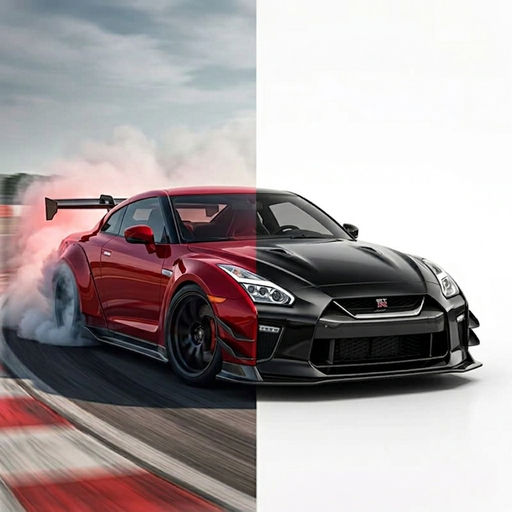
CAR PAINT VISUALIZER
Compare a new body color on your vehicle photo.
Use TuneAI’s Vehicle Paint tool for a focused body color change. Upload a photo, choose a preset or enter a custom hex color, then explore the resulting color concept.
Can I preview a paint color on my car photo?
Yes. Open Vehicle Paint in TuneAI, add a vehicle photo, then choose a preset or enter a custom hex color. Compare the generated concept with the original; screen images may not match real paint under different lighting.
Use Vehicle Paint for a color change
The official tool menu shows Vehicle Paint below Vehicle Design. This tool has two selection steps: add a photo, then select a color. You do not need to write a custom prompt in this tool.
Available presets include Black, White, Silver, Red, Blue, Green, Yellow, Orange, and Purple. The custom color control lets you enter a hex value for another color direction.
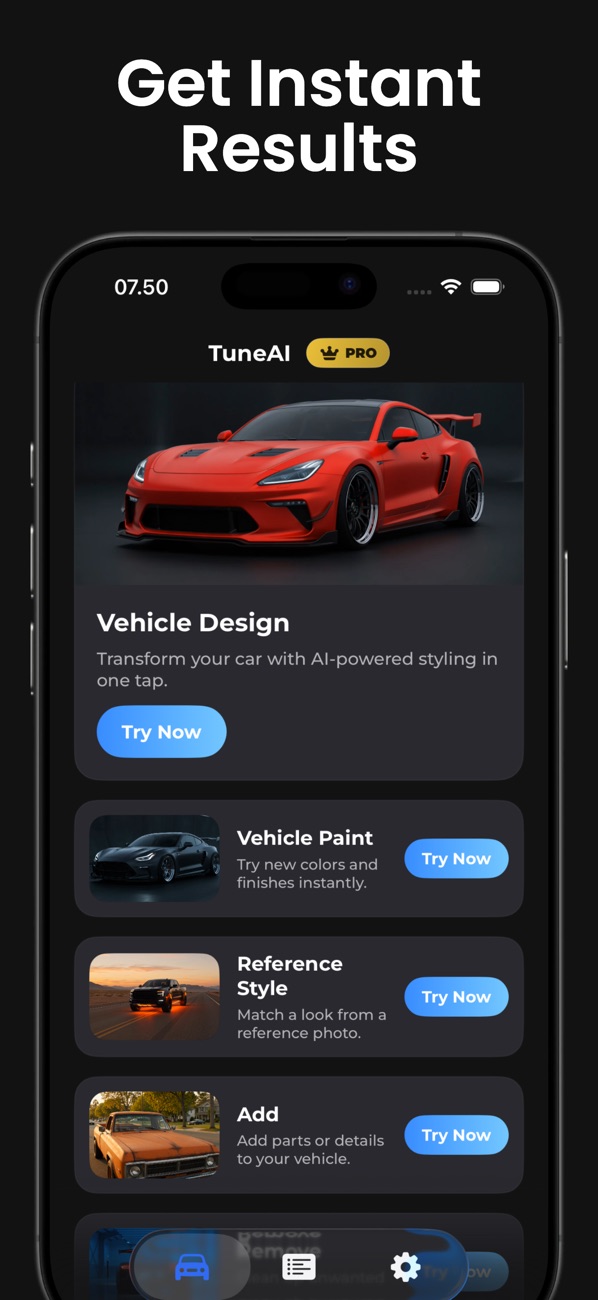
How to preview a car paint color
- Open Vehicle Paint and upload your photo.Choose a shot where the body panels are visible and not hidden by deep shadow.
- Select a preset or custom color.Try Blue or Silver first, or use the custom color sheet to enter a hex value.
- Generate a color concept.The tool instructs the AI to repaint the body while preserving the car, angle, wheels, windows, and scene.
- Compare with the original.Check for changes to badges, trim, panels, or background details. Treat unexpected changes as artifacts, not intended modifications.
- Save a small shortlist.Compare your preferred directions with physical samples from a paint professional.
Color selections you can reproduce
| Color direction | Selection in TuneAI | What to compare |
|---|---|---|
| Bright blue | Blue preset · #0065FF | How the body color sits beside dark windows and wheels. |
| Muted silver | Silver preset · #BFC1C5 | Whether the body lines remain easy to see. |
| Green | Green preset · #00A86B | How the broad color direction feels on your car. |
These hex values match the app’s preset selections. They identify a digital color direction and are not automotive paint formulas.
Why the real finish can look different
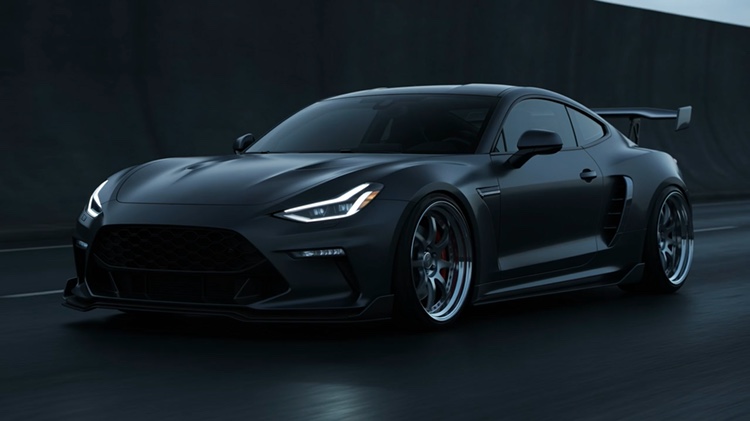
A hex value cannot define metallic flakes, pearlescent effects, coat thickness, or an exact automotive paint mix. The generator and your screen can also change how a color appears. Use the preview to narrow ideas, then confirm the final color with a physical sample.
If you want graphics or a vinyl finish concept, follow thewrap workflow. For broader modifications, seeVehicle Design. Thephoto guideexplains how to choose a useful starting image.
Explore your own idea in TuneAI.
Free to download on iPhone. Some features require a subscription.
Get TuneAI on the App Store